Let me start with a confession. I only have 12 recipes on the website. Not much of a start, right? But this is part of my anal-retentive side. I like to curate recipes, find some good ones, and then put them on my blog. Except that I have hated the design of my recipes for some time. They didn’t look very professional, kind of just thrown on there in loose format and layout, and they weren’t even mobile-friendly. They were mostly just “hey, here’s some ingredients and cooking steps”, text dump. I didn’t want to add too many more until I fixed the format.
But I’m retiring soon, and I want to curate a bunch of new recipes. Actually, since starting my happy pills back in January, I’ve been more involved in the food planning and prep for our family, and hopefully that will increase even more when I retire. So, yeah, it’s a growth area of my website. And I need to expand the content, manage and organize the recipes better (including making them more digitally useful), and redesign the look. I’ll be creating three new sub-brands out of what is now a giant pile of ingredients.
Expanding the content
Of the twelve recipes on the site at the moment, there’s one appetizer, one soup, seven main dishes, and three desserts. I definitely want to expand all of the “cooking” recipes, particularly for soups and main dishes, although I suspect I’ll also start to throw in more snack-y foods (french flies, chocolate turtles, etc.). But I see the collection as a bit different from my other two areas. I’m going to call this one the Lilypad Kitchen.
My normal process for new recipes is that we try it once for dinner, to both try it out and to see if we really like it. I only choose recipes that have a high likelihood of success for all three of us (Jacob doesn’t like high spice; Andrea isn’t a big fan of mushrooms; I don’t like a ton of ingredients that simply mush together into something flat or bland), so the real test isn’t simply if we like it, but if we like it well enough to add to the rotation or simply look for something else next time.
I haven’t fully landed on the branding. Recipes, roasts, and ribbits or spices, sauces, and scales…probably the first one. Scales don’t sound tasty if you confuse them with fish scales rather than weighing scales for ingredients.
My second area is baking. Dough, dusting, and dewdrops or pastry, piping, and petals? Probably the first again, although this one is that I’m likely to do more bread than pastries. Although I’m also going to throw all desserts into this category. The category name, of course, will be the Lilypad Bakery. I have a LOT of plans for bread-making in my retirement, although I’m heavily invested in the idea of small batches, too. Unless Andrea can take some of my creations to work with her to share the width, errr, I mean share the wealth.
I blame the last area on my old boss, Gord. When he retired a few years ago, he started posting on Facebook about Friday afternoon drinks. Different mixes each week, concoctions to try. I’m not much of a drinker, but there are lots of mocktails out there. Think “real frog, faux drinks”. So I’m going to try a bunch of mocktails too. A lot will be fruit punch by another name, alas, but there are some decent non-alcoholic ingredients out there designed to mimic the taste of vodka, gin, whisky, etc. But even without those, there’s a drink at one of our local pubs, called a Blue Lagoon — blue raspberry, lemonade and club soda. Sounds simple, but the flavour output seems almost exponential to the ingredients.
Improving recipe management
As I said, I had created a layout for my recipes some time ago, and it was “okay”, but it didn’t have all the bells and whistles that other recipe bloggers have for adjustable sizing, better layouts, mobile options for viewing, etc. The hidden reality behind my reticence to improve things the “easy” way is that recipes are like reviews to me. Very personal, highly structured, and they come out onto the page the way they are structured in my brain. As such, for books, movies, TV, etc., I can’t use “apps” or “plugins” to format everything. They use stars; I want frogs. They often want specific fields; I want my own. They cost money; mine cost brain cells and mental discomfort. Pain, suffering, years of torture, potential therapy, repetitive rebuilds, new formats, and harassing my family for views on the layout. It’s a whole process-y thing.
Recipes, on the other hand, are relatively straightforward. While books and movies might generate unique fields for any one critic’s approach, recipes all have the same fields…title, rating, picture, times, categories, ingredients, equipment, what type of bait to use to catch the fish (oh, wait, no that’s a PolyWogg-only field, sorry), and the steps to prepare everything.
The only real challenge is that if you use a plugin from “out in the wild” for WordPress, the vast majority of the ones for recipes are tied to large commercial sites that host the recipes on the site and then let you embed them on your website. I don’t want to EMBED them on my website, I want to HOST them on my website. That’s WHY I have a website, so I don’t have to post it all elsewhere.
Which makes things way easier this time around. There’s really only one big recipe plugin for WordPress that stores everything in WordPress itself. Hello WP Recipe Maker. It adds more overhead than I would like (you enter the recipes into a separate area and then choose different formats for display in your posts), but it’s pretty powerful. With a few extra upgrades you can get if you subscribe for a year. For my website, I get a better recipe layout that I like (you can build your own, but why bother if the default options work?) and was able to tweak slightly, better printing control, and scalable recipe options (if you change the number of servings, all the ingredients automatically update in both the ingredient list AND in the instructions). I couldn’t do any of those on my own, or at least not without a lot more work than I have time for right now. I tweaked the layout to adjust the size and position of the food picture and disabled about 30 monetization options I’ll never use. along with numerous customizations to build a vibrant food community. I’m a big frog in a small kitchen kind of guy, I don’t need all the bells and only a few of the whistles.
If you want to test the first recipe out, try here: https://www.thepolyblog.ca/maple-pork-rec00002/. Looks good on screen, good fonts and layout, with a scalable sizing for serving size, and you can click and format nice printing too. A hundred-fold improvement on my previous layouts, so I’ll start upgrading my other 11 recipes in the coming days. Let me know what you think of the new layout, particularly how it might look on your phone or tablet.
Upgrading my images
Given my wife’s and my link to pandas (Paul and Andrea, PandA, Panda themed-wedding, etc.), I used to use the following panda image for my recipes and food-related posts.

I like the panda, it’s really cute, and when Andrea and I first took some cooking classes together for Asian food, pandas seemed cemented for avatars. But I’m a PolyWogg, through and through. So I want some frogs for my recipe images too (as cooks, not ingredients!!!!).
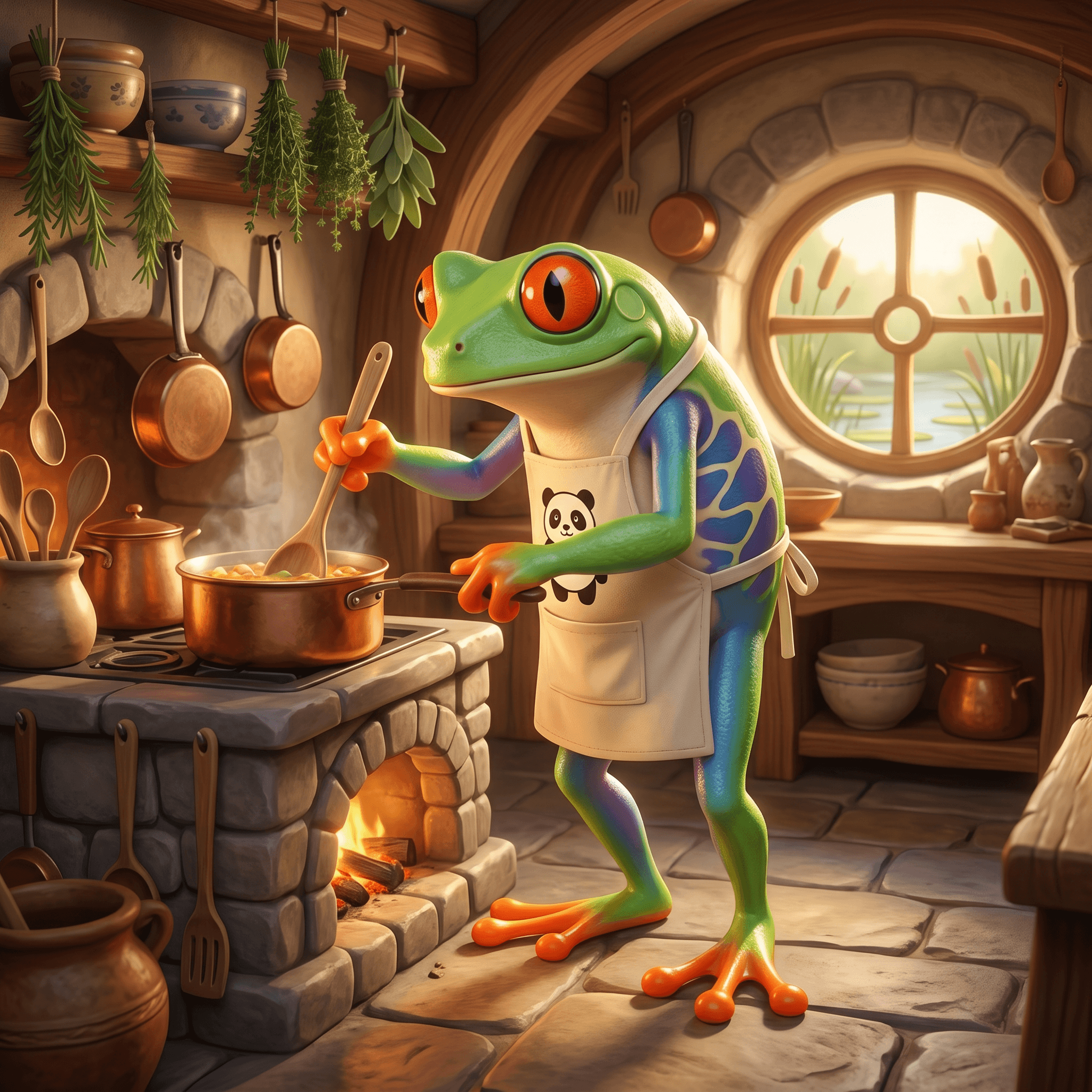
My first new image for the Lilypad Kitchen (aka the cooking recipes), I have a main one of a frog cooking while wearing a panda apron.
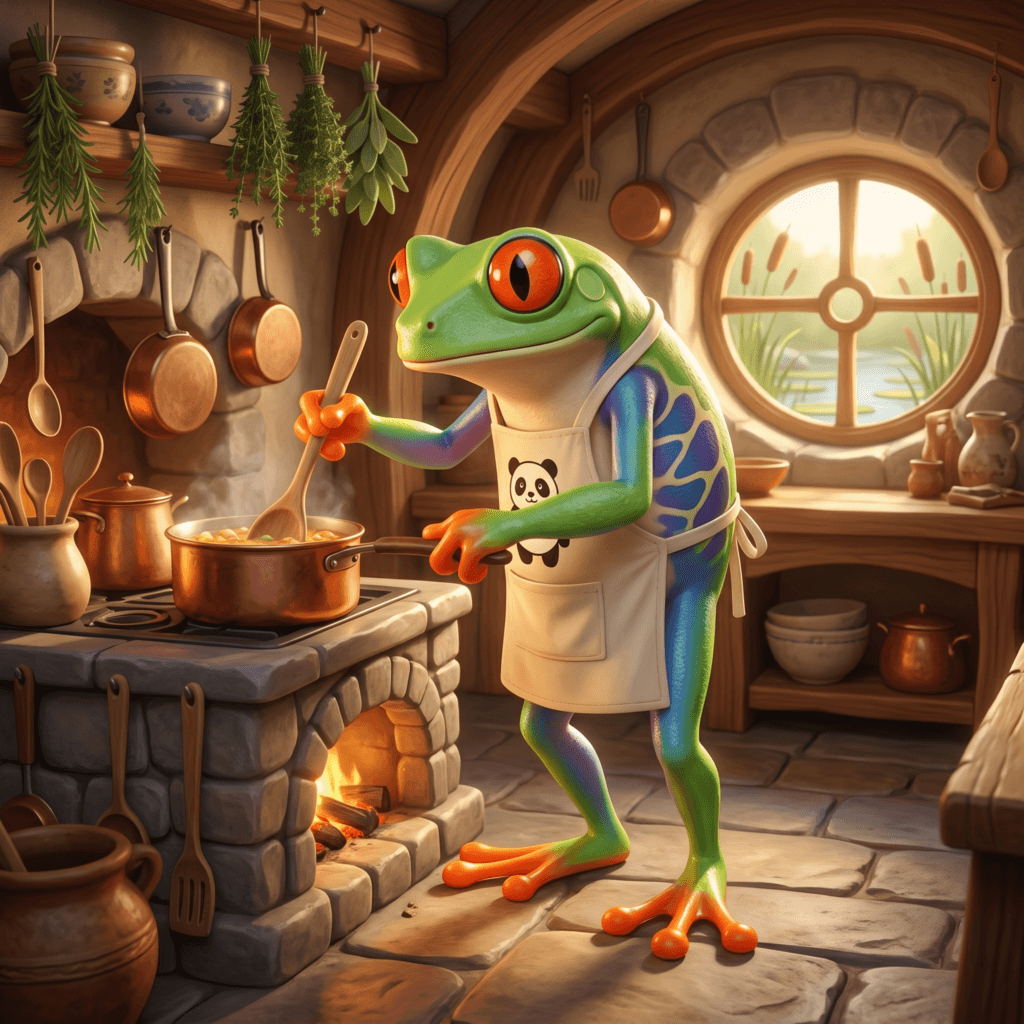
But it was a hard choice of that one over a kissing-cousin:
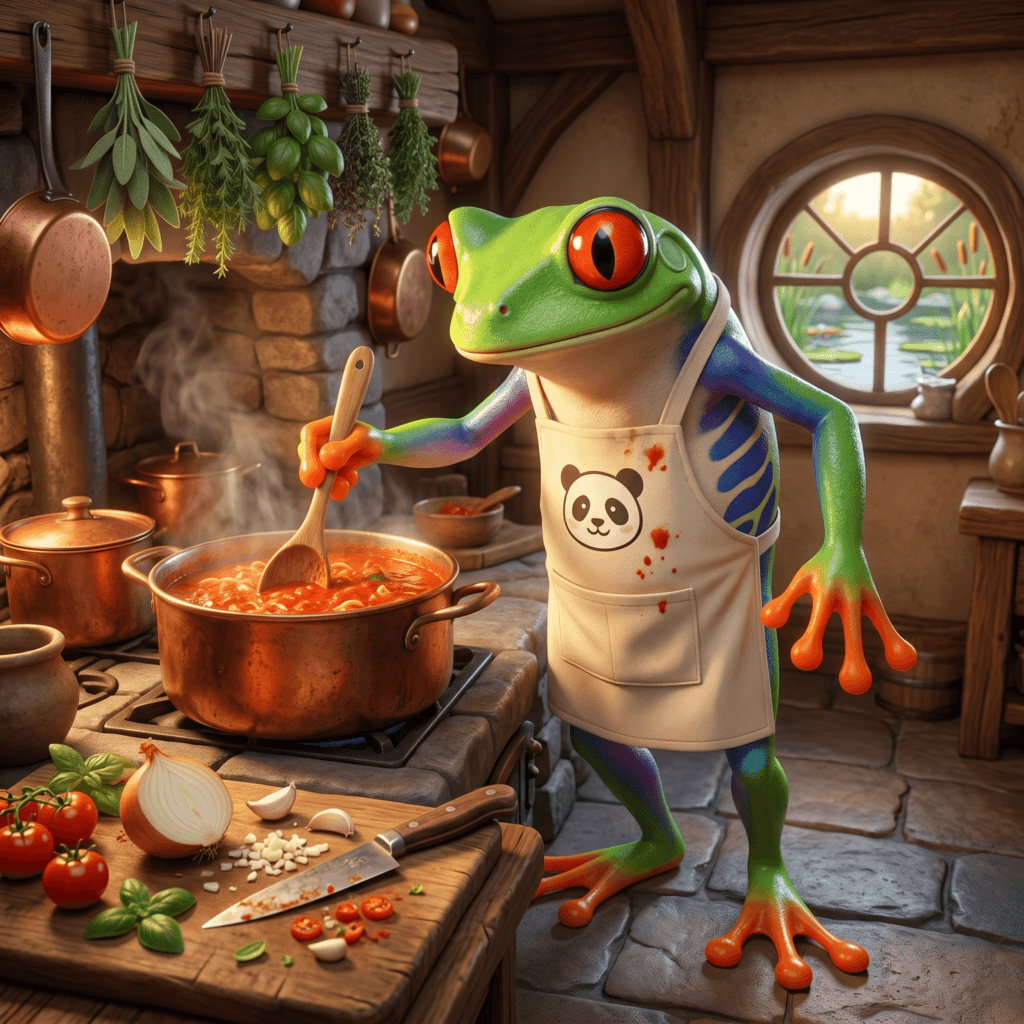
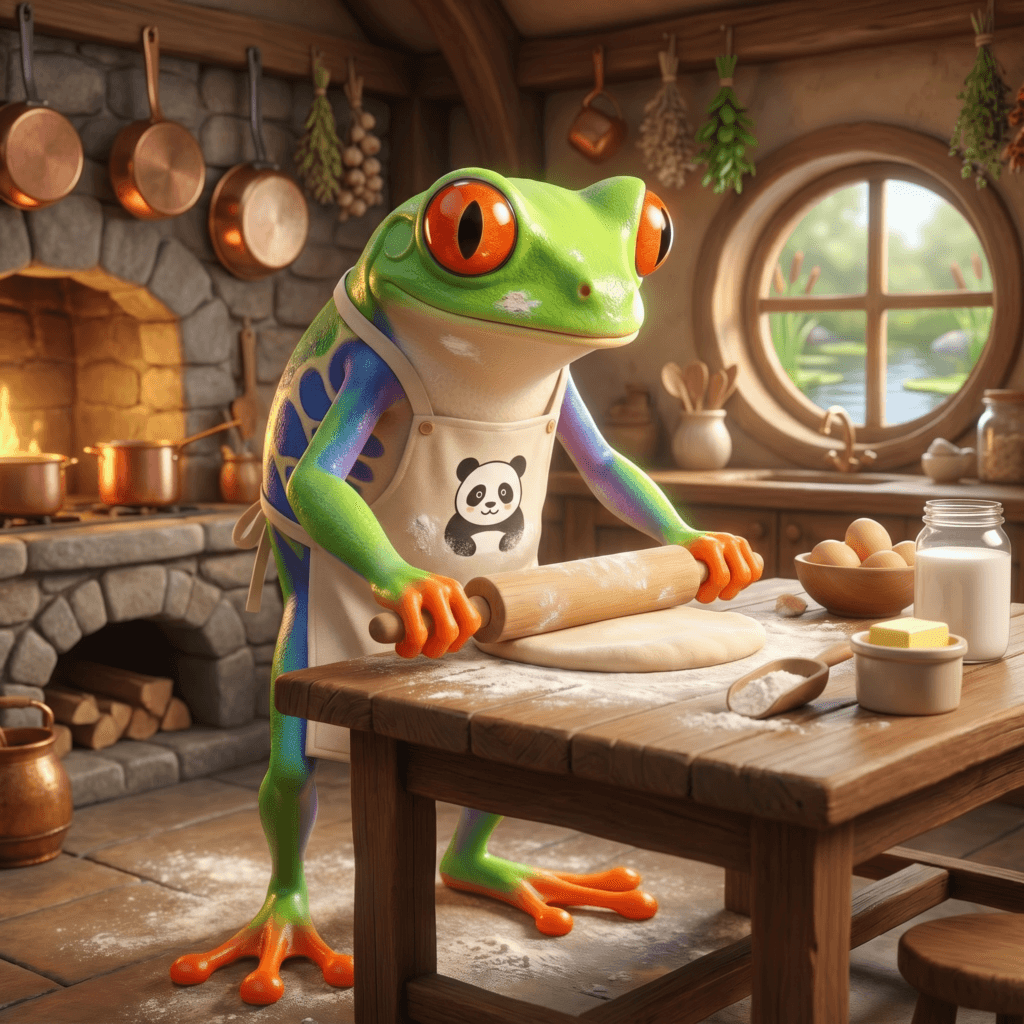
Initially, I was thinking I would just have one of those for all recipes. But I do have baking recipes that don’t really fit that vibe, hence the creation of the Lilypad Bakery and another image:
And, as I mentioned above, there is a need for a Tadpole & Tonic (TnT) image too for the mocktails:
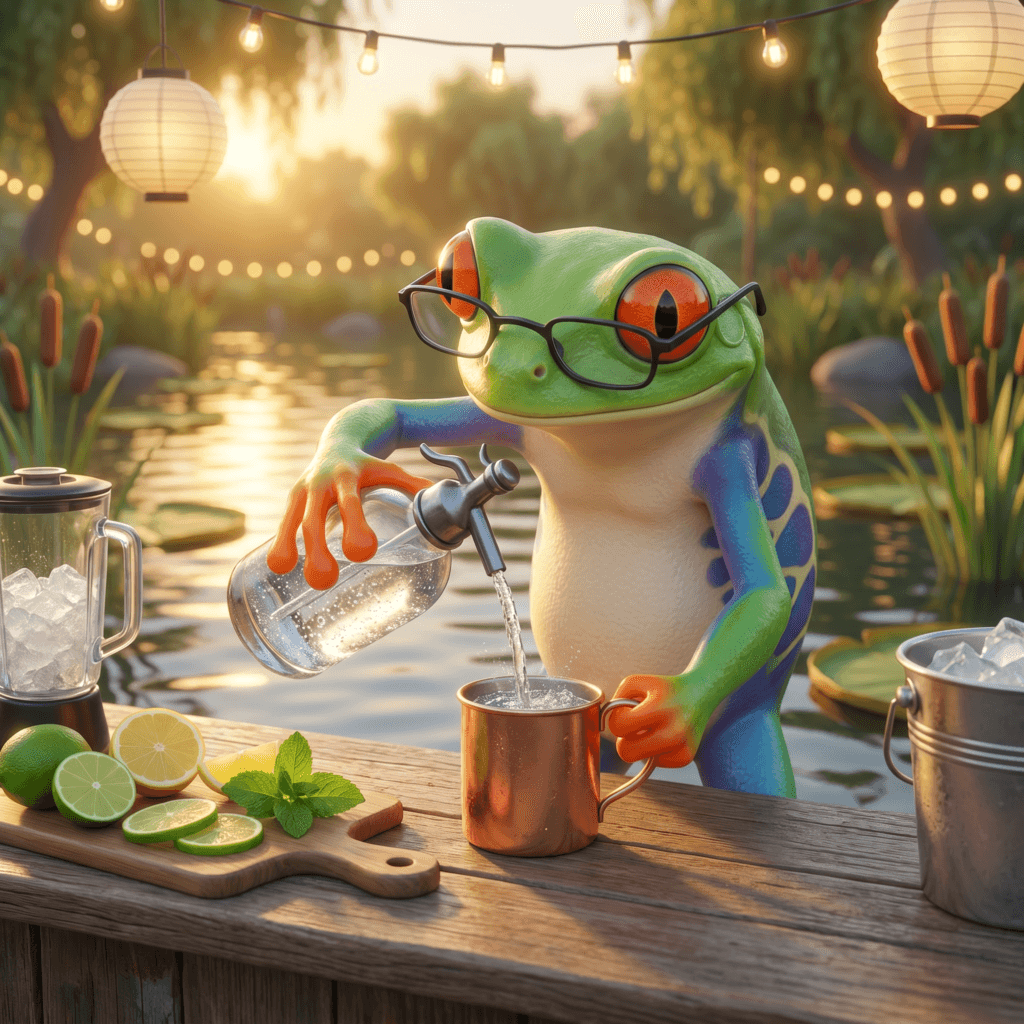
I like them square, I like them round. I like all my recipe-making frogs.
And now my recipe inbox is open. If you have a cooking, baking, or mocktail recipe, send it my way! I’m hoping to add at least one a week for the first year of retirement.
Until the next pot simmers, the next sun rises, and the next shared T&T…